Elements position – the positioning of all elements, which will be output with the help of WooCommerce hooks. If there are no hooks, elements may be not output
WooCommerce description (in the header)
Before WooCommerce Shop Loop – Before Products
After WooCommerce Shop Loop – After Products
Display selected filters – show selected filters over products
Hide the area of the selected filters if nothing is selected (affects only the area above the products)
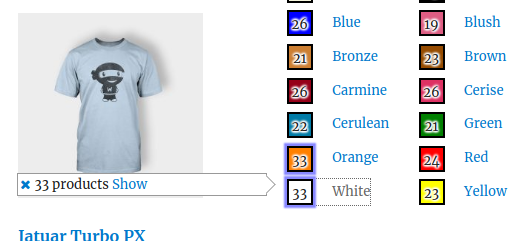
Show the number of products before filtering – this option works only if you click on the Products Filter button. A tooltip will be output where you can see the number of products which will be output after clicking on the Products Filter button. Start filtering by clicking on the Show button in the tooltip (can’t be used if Hide selected values is enabled)
Elements over products – allows you to add Group Filters above all products