
To get the filter shortcode, you need to follow BeRocket-> Product Filters -> Filters and copy the shortcode in the Shortcode column

To get the group shortcode, you need to follow BeRocket -> Product Filters -> Groups and copy the shortcode in the Shortcode column

You can also get a shortcode on the creation page. When creating a Filter or a Group, after saving on the right side of the screen, a Shortcode block will appear in which the shortcode of this filter or group will be displayed

Additional Shortcodes
When berocket_aapf is added to the shortcode, it will instruct to filter or not to filter the shortcode
- berocket_aapf = true – filter
- berocket_aapf = false – do not filter
When adding the braapf_sidebar_button shortcode, you can display a custom sidebar toggle button
- title – text of the custom sidebar output button
- theme – the theme of the button matches the values selected on the design page
- “default”
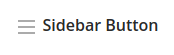
- “first”
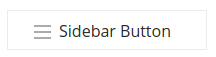
- “second”
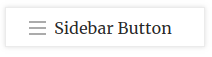
- “third”
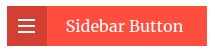
- “fourth”
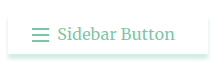
- “fifth”
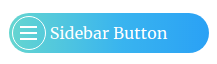
- “sixth”
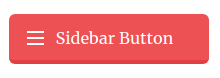
- “default”


