- Type – a type of label position:
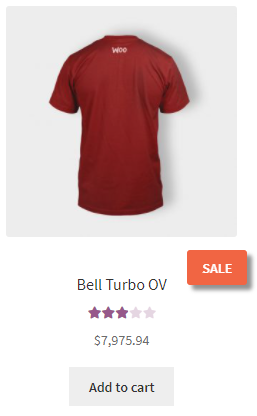
- Label – displayed below the product image.
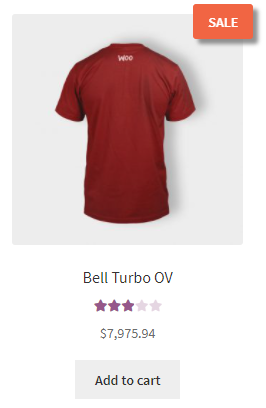
- On image – displayed on images.
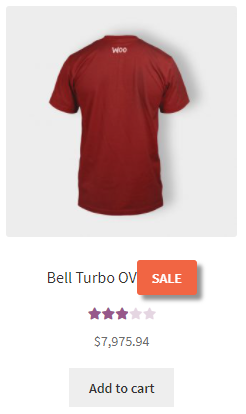
- In Title – displayed in the product title.
- Label – displayed below the product image.
- Better Position – enabled/disabled – enables a better position for labels, that has some more settings (paddings, margin, lines of labels):
- Position:
- Right
- Center
- Left
- Right
- Position Line – the position label line, displays labels one by one. Labels from different lines will be displayed vertically. One by One – displays labels on the next line, if the previous one has a label.
- Paddings – padding around text, better use it with empty Height and Width in Style settings; select the units of measure px|em|%;
- top
- right
- bottom
- left
- top
- Margin – paddings around labels; select the units of measure px|em|%;
- top
- right
- bottom
- left
- top
- Position:
- Padding from top – paddings from top of the image; negative padding (only for Type – On image, when Better Position is disabled); select the units of measure px|em|%;
- Padding from left/right – padding from left/right of the image (only for Type – On image, when Better Position is disabled); select the units of measure px|em|%;
- Position – the position of labels:
- Left
- Center
- Right
- Position Line:
- One by one
- Line 1 – Line 9
- Rotate – label rotation around the center (-90 to 90 degrees).
- Z index – specifies the stack order of elements.


