
BeRocket Product key uses for auto update plugins from BeRocket site.
Where could I find a Plugin key?
- Open BeRocket site to sign in (for accessing your account press Login button available in the top navigation menu bar)
- Go to My Account (press My Account button available in the top navigation menu bar)
- Click on the key icon located to the right from WooCommerce AJAX Products Filter plugin name
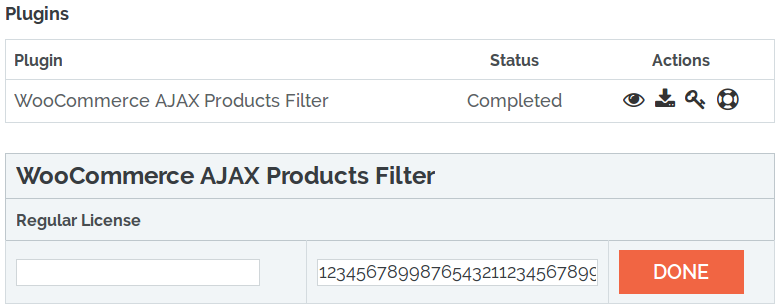
- You may click on Plugin key to copy it
- Use the left dialog window to enter any comment for that key and then click on Ready button to save it
- What do I need the product key for?
