
How do I add a new Label?
- Open the Admin Bar of your site and follow BeRocket→ Advanced Product Labels.
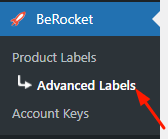
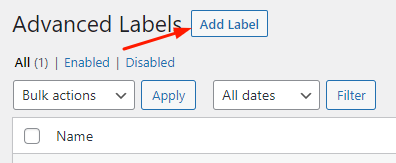
- Click on the Add Label button.
- Select the desired settings and press the Save button.
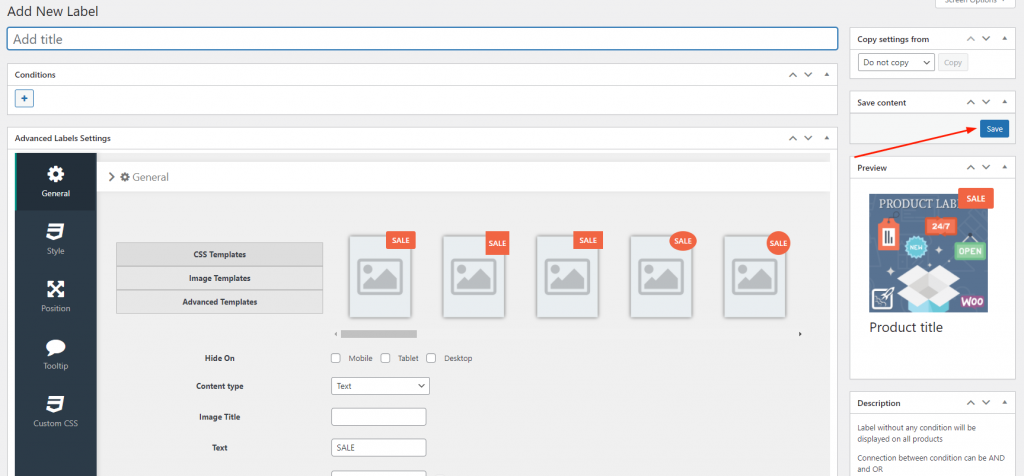
- Click on the “+” sign belowConditions and select the desired condition.
- Label Conditions – allows you to add two conditions to display labels on products. Click on “+” button, which is below the Conditions, and select the needed condition: + button, which is outside any blocks, adds new blocks that are connected as OR; + button, which is inside each block, adds new condition as AND.
- Select the desired Content type and enter the information for the selected Content type.


You can find the Advanced Label Settings in the following section.