
BeRocket Plugin Key are used for an auto-update of plugins from BeRocket site.
Where do I find the Product Key?
- Open BeRocket site and log in (the Login button is in the header menu).
- Go to My Account (the My Account button is in the header menu).
- Click on the key icon on the right side from the plugin name WooCommerce Advanced Product Labels:
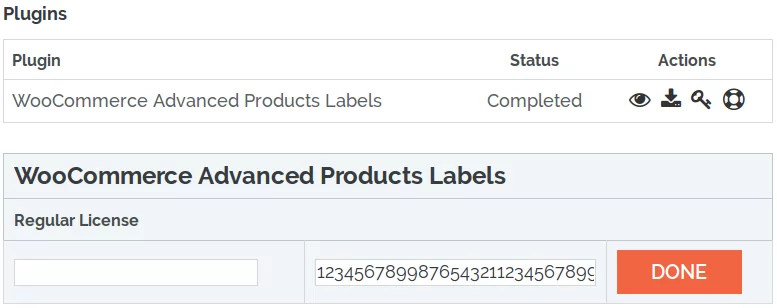
- You can click on Product Key and copy it.
- You can enter any notice for the key in the left-field and click DONE to save.